

Birkenhead College (second project)
Laptops or Chromebooks for 83 students who don't have a device of their own.
5 of 83 laptops delivered
You wipe them, we pick them up, and they go straight to a school that's asked for them. No fees, no paperwork.
Are you a school? Request laptops
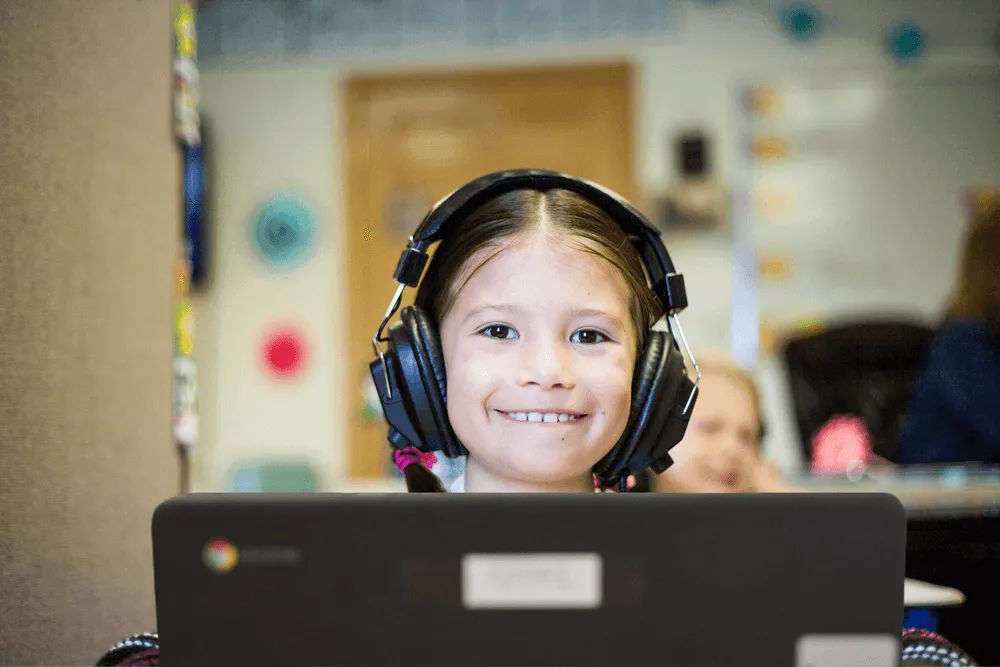
These organisations have already put their retired laptops to work.
















A two-minute form: roughly how many laptops, and where you are.
Your IT team resets them so your data never leaves your control. They need to be working. Here's how.
We normally arrange pickup and drop them straight to a school that has asked for them.
Laptops or Chromebooks for 83 students who don't have a device of their own.
5 of 83 laptops delivered

Any laptop that can be converted to a Chromebook, to lend to students who can't afford their own.
27 of 60 laptops delivered

80 devices to replace ageing Chromebooks, extend 1:1 access into the primary years, and let students take devices home.
47 of 80 laptops delivered
No couriers to book. We normally arrange pickup and delivery to the school.
Learn more: We pick upYou wipe the laptops yourselves, so your IT team stays in control.
Wiping guide: Your data stays yoursHigh-spec laptops go to design and tech students; older ones become Chromebooks.
What we accept: Working laptops, any brandLaptops refreshed every three years still have years of school life left in them.
Why companies donate: Better than e-waste“Thank you so much for giving me the opportunity to now work on my photography at home. I am so grateful.”
“We can actually use a computer near our project and program directly. It makes it so much faster.”
Tell us roughly how many laptops you have, wipe them, and make sure they're working. We normally arrange pickup and drop them off at a school that has asked for them. That's it.
You wipe the laptops before they leave your office, so your IT team stays in control the whole time. Our preparation guide covers resetting Windows, macOS and Chromebooks.
Working laptops of any brand, ideally reset with their original operating system and with chargers. Higher-spec laptops go to secondary schools for design, photography, art and technology. Lower-spec laptops suit primary and junior classes, often converted to Chromebooks with ChromeOS Flex. See what we accept.
No, sorry. We only take working laptops. Neither we nor the schools are set up to repair them.
Get in touch anyway. We understand it may be weeks or months before your next refresh. All we ask is that when you do refresh, the laptops you no longer need go to a school.
You wipe them, we pick them up, and they go straight to a school that has asked for them.